Vehicle telemetry and review
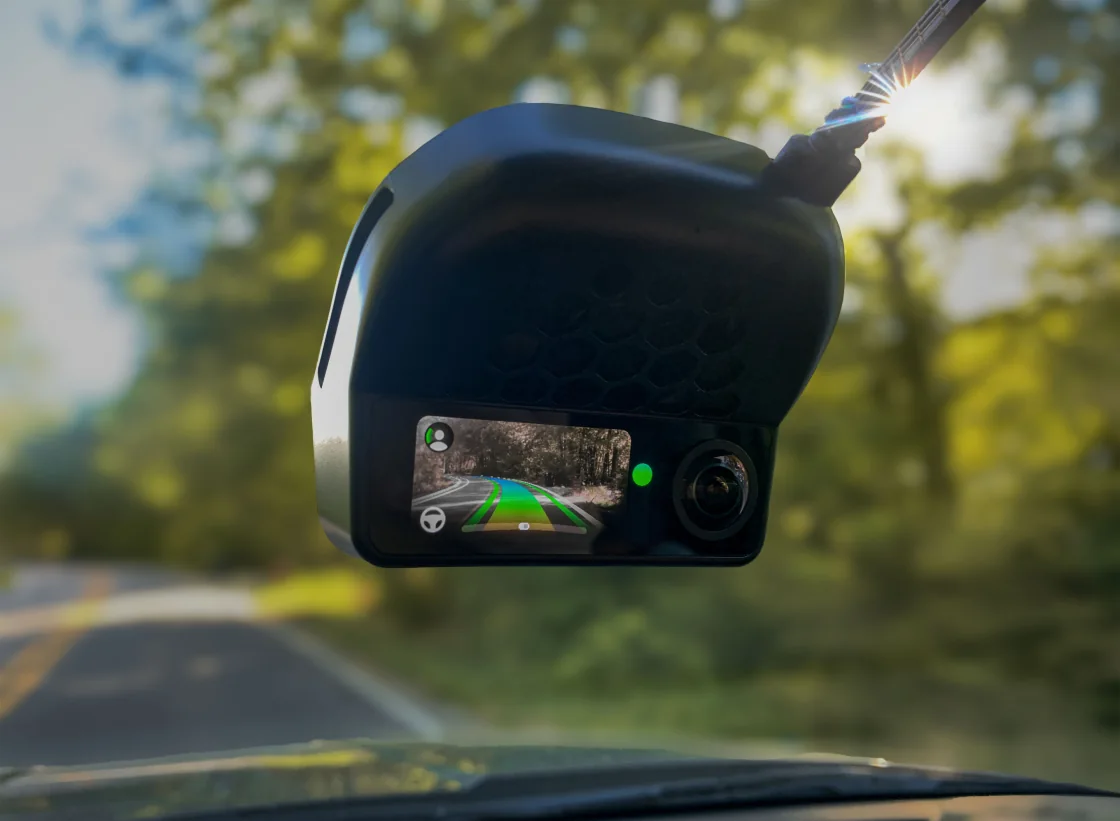
I started Brickpilot to investigate steering and low-speed behavior in my 2022 Hyundai Tucson PHEV. It runs on a comma 4 and builds on sunnypilot and openpilot. I’ve worked on vehicle-specific configuration and control experiments, along with the software I use to collect logs, review drives and compare changes. Road testing is supervised and limited to my own vehicle.
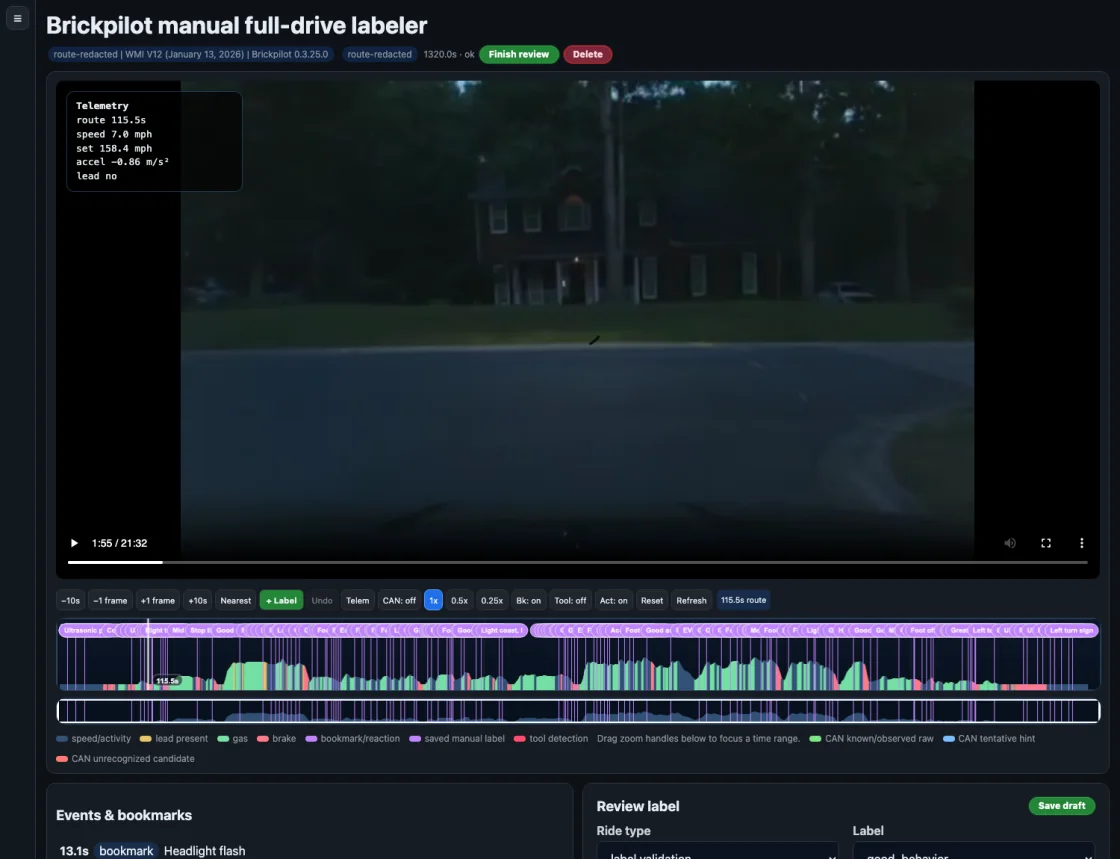
A drive can produce hours of telemetry, while the moment I want to investigate may last a few seconds. I added voice bookmarks so I could record what I noticed and find the corresponding window afterward. The review tools combine those bookmarks with video, vehicle signals and manual labels.
Building the supporting tools
I separated the on-device code from the ingestion scripts, replay analysis and local operations interface. Logs and generated analysis live in a separate drive database. That lets me change a review tool without rebuilding the vehicle software and compare experiments against the same recorded route.
The ingestion workflow tracks copied files and route metadata. In the review interface, I can examine speed, lead-vehicle presence, braking and accelerator input alongside the video. I also added telemetry for control decisions, including the active mode, reasons an adjustment was blocked, and whether a requested adjustment reached the controller.
Training against reviewed events
I built an experimental voice-labeling pipeline to help find route windows for review. A May 22, 2026 run recorded 3,089 atomic voice labels and 729 model features, with exported predictions and route-level evaluation files. I use the predictions to select events for manual inspection, then check the associated video and signals.
One recurring problem is distinguishing an uncomfortable stop from an appropriate response to traffic. I inspect the model’s requested behavior, planner output, vehicle parameters and controller response separately. This gives me a specific part of the system to investigate and a recorded example to use in the next comparison.